RoomAvailabilityM365 is a lightweight SharePoint widget that shows whether a meeting room is free or occupied right now — using your existing Microsoft 365 room mailboxes, without exposing meeting details.
Built for organizations that already use Exchange Online room mailboxes, Outlook / Teams room booking, and SharePoint Online — and want a clean availability layer on top of their current setup.
RoomAvailabilityM365 is a SharePoint-native room visibility widget for organizations that already use Microsoft 365 room mailboxes and want an elegant availability layer inside SharePoint Online.
Use the Microsoft 365 room mailboxes you already have instead of introducing a larger room management suite.
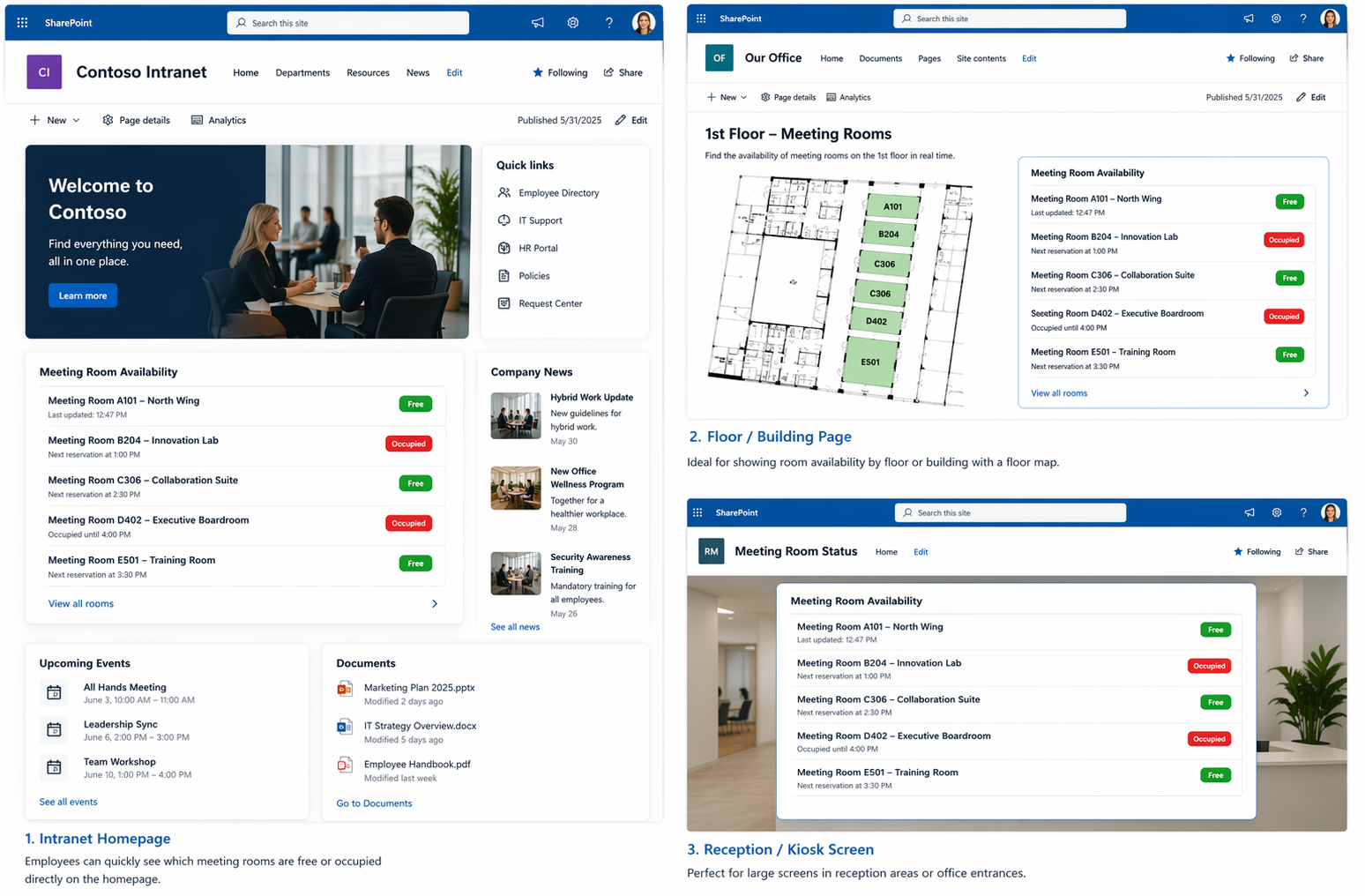
Perfect for intranet homepages, reception pages, facilities dashboards, and building overview pages.
Built around room availability visibility rather than detailed meeting exposure.
Employees instantly see which meeting rooms are free or occupied.
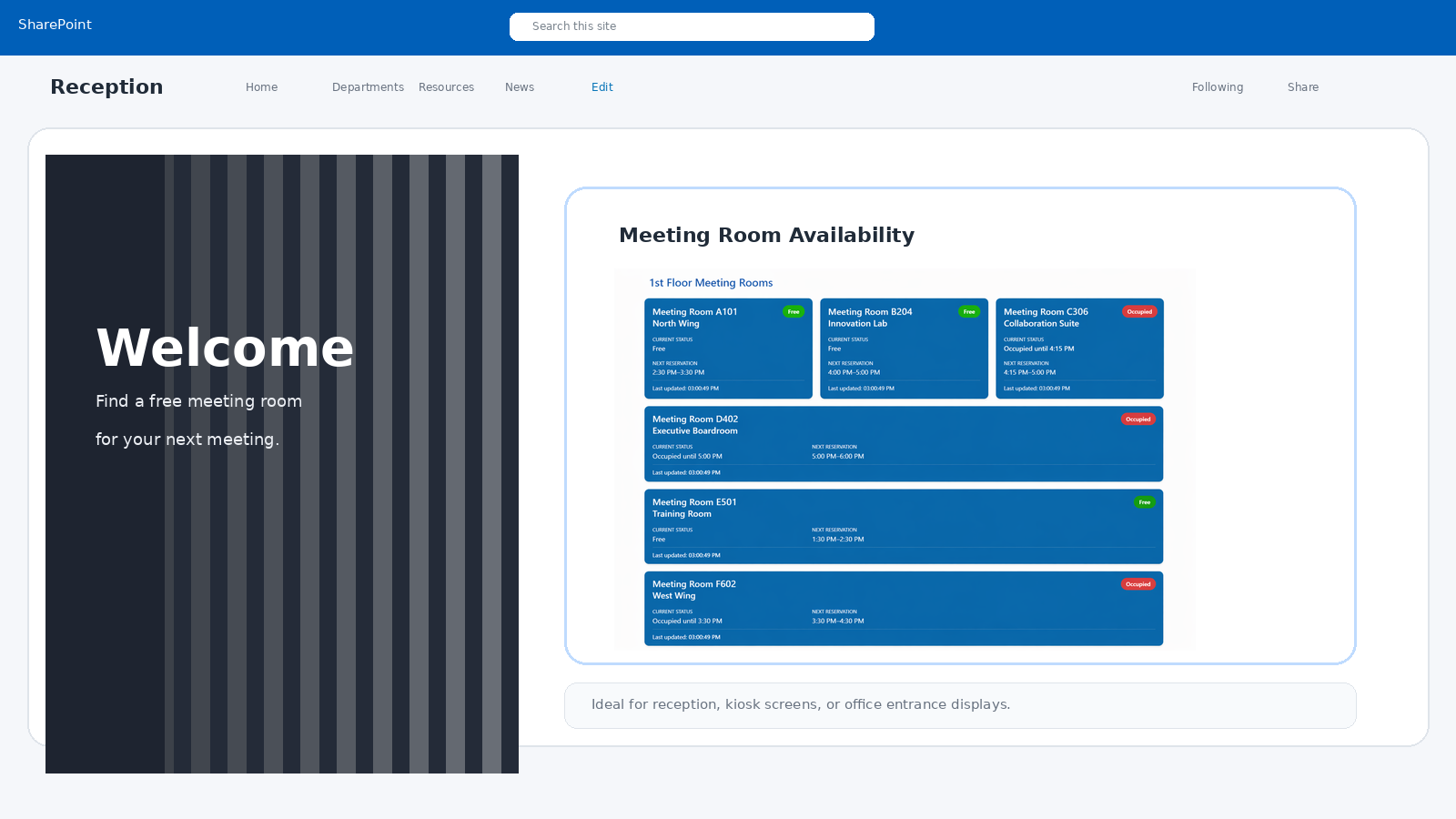
Ideal for large displays in reception areas or office entrances.
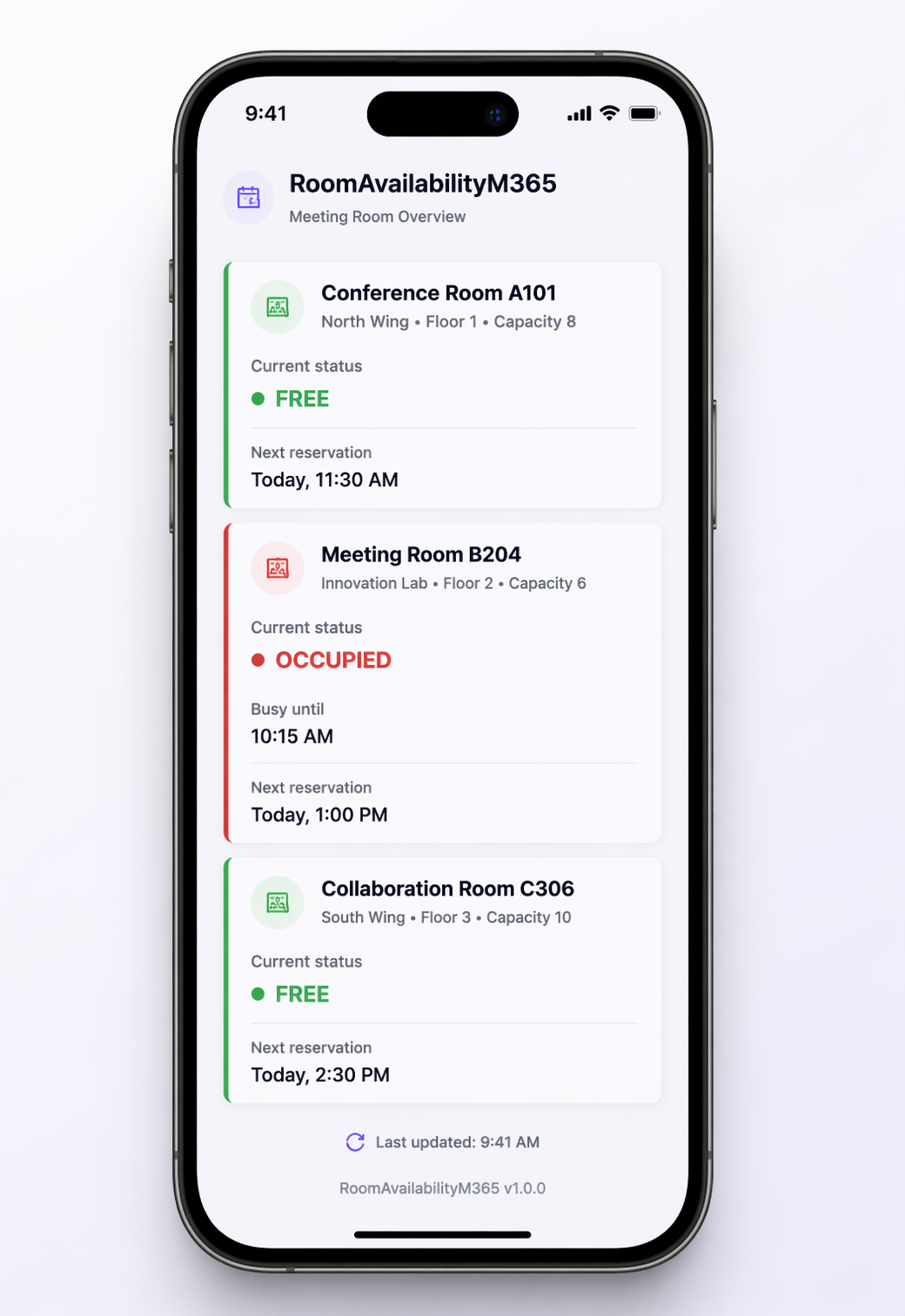
RoomAvailabilityM365 is fully responsive and optimized for mobile viewing. Check room availability anytime, anywhere — directly from your phone connected to your M365 organization.
Everything you need for SharePoint-based room visibility — and nothing you don’t.
Show whether a meeting room is free or occupied directly on modern SharePoint pages.
Displays how long the current occupied slot lasts when the room is in use.
Shows the next reserved slot when the room is currently free.
Uses Exchange Online room mailboxes already managed through Outlook and Teams.
English and Czech language support included with a clean SPFx localization model.
The full version supports customer color customization directly from the SharePoint property pane.
Evaluate the widget in your SharePoint environment before purchasing. The trial includes fixed “crazy” colors, visible trial branding, and no color customization.
Use this trial to evaluate the widget in your own SharePoint environment before purchasing.
One price. All features. Ready for production.
Complete production-ready package with full features and customization support.
No. The widget is designed for SharePoint Online pages and does not require tablets, room panels, or separate display hardware.
No. The widget is positioned as a privacy-friendly room availability solution and focuses on free/busy visibility rather than detailed calendar event content.
Yes — in the full version. The trial version uses fixed, intentionally bold colors and displays a visible trial label.
A Microsoft 365 tenant with SharePoint Online, Exchange Online room mailboxes, App Catalog access, and approval for the required Microsoft Graph permissions.
Yes. Customer-facing documentation, administrator installation guide, and configuration guidance are available as downloadable PDF files.
Deploy in minutes and instantly improve meeting room visibility across your organization.
Support: support@roomavailabilitym365.com